Reply where the email arrives
Send replies from the association’s configured email address. Save a draft when you need to check something first, and keep incoming and outgoing messages in the same conversation.
Always included
Receive email, reply from the association’s address and follow the whole conversation in StyrHub. Keep residents, suppliers and the board’s next steps together, even when board members change.
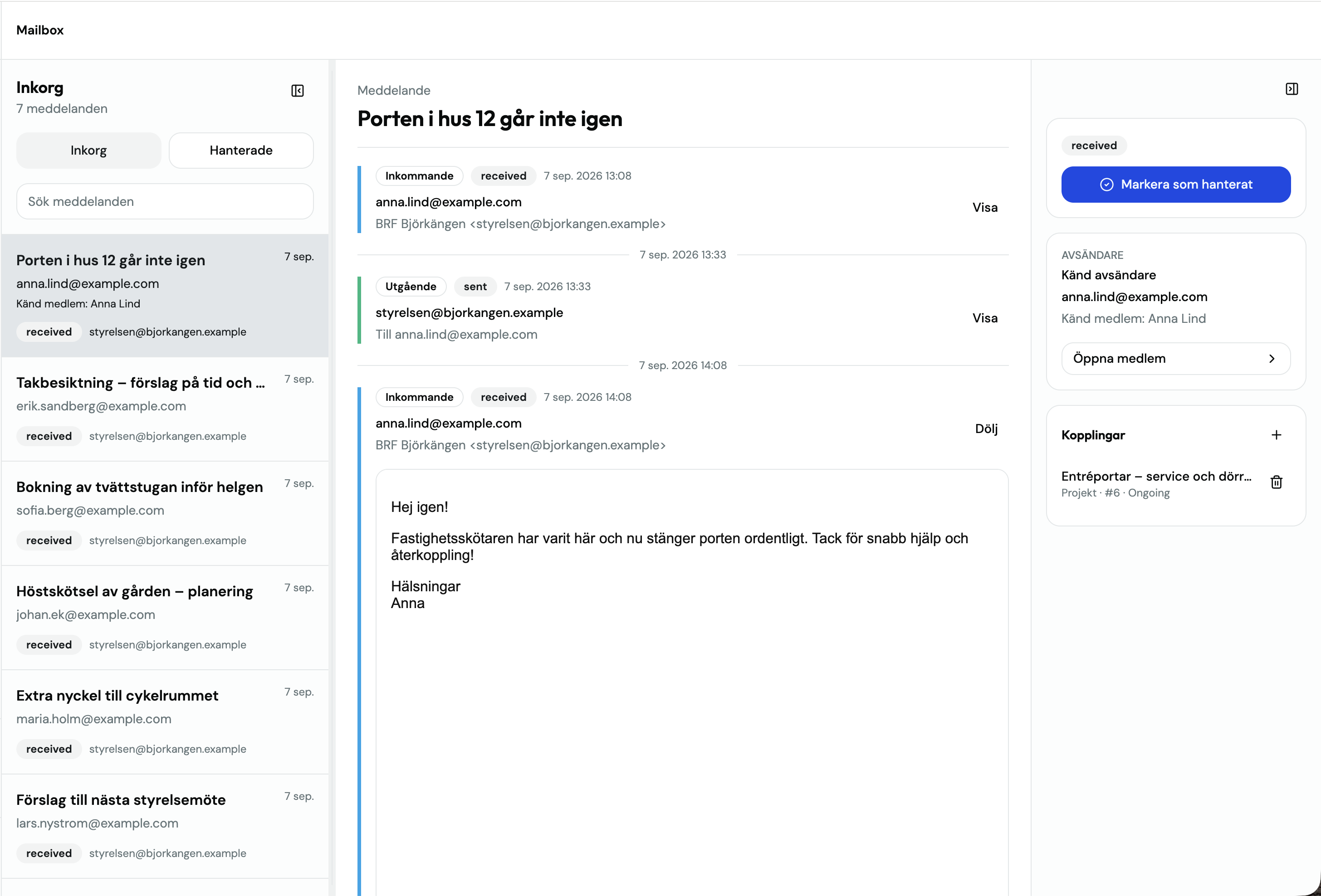
Send replies from the association’s configured email address. Save a draft when you need to check something first, and keep incoming and outgoing messages in the same conversation.
Link a conversation to a project, task or rental. Keep the resident’s question or supplier’s reply close to the work it concerns, with attachments available from the email.
Mark conversations as handled and see who handled them. The board can follow what was said and what happened next without searching someone’s personal inbox.
Yes, if your email provider allows automatic forwarding. Incoming messages are forwarded to an address generated in StyrHub. To also reply from the association’s address, your provider must support SMTP with a username and password.
Add the association’s address under Settings → Email and configure forwarding with your provider to the generated StyrHub address. Verify incoming email. For outgoing replies, enter your provider’s SMTP server, port 465 or 587 and credentials, then verify the settings.
Incoming messages and the board’s replies are collected in conversations. Mark a conversation as handled when finished; others with access can see its status and who handled it.
Workspace permissions control mailbox access. Review them when inviting new board members and end access for departing members. Conversations remain in the association’s workspace. Also review access with your email provider.